AI product photos are today the fastest way for a small brand in Poland to stop waiting weeks for a photoshoot and start publishing usable sales visuals almost immediately. If you sell in an online store, on Allegro, or promote a product on Instagram, this guide will show you how to do it in Polish, without the “generated by a robot, but why?” effect.
What are AI product photos and when should you use them?
AI product photos are visuals created or assisted by generative models that show a product in a specific scene: on a white background, in a kitchen, in a bathroom, on the street, or in a lifestyle context. This isn’t always classic photography. Sometimes it’s an image generated from scratch, and sometimes it’s a real photo of the product enhanced by AI and refined in post-production.
In practice this works best where speed and the number of variants matter. We see it especially with small e‑commerce stores, DTC brands, and people running social media. Example? The owner of a Polish cosmetics brand wants to show a face serum in a bathroom, on light marble, in a “premium” version, but doesn’t have the budget for three separate shoots. Instead, she can prepare one good source asset and generate several scene variants.
Why does AI make sense in e‑commerce and social media?
Because it lets you quickly produce:
- packshot on a neutral background,
- lifestyle shot for Instagram,
- a banner for your store,
- ad variant for A/B testing,
- a seasonal visual without organizing a full photoshoot.
That doesn’t mean AI replaces everything. For Allegro, Shopify, or your own store it’s still worth having a photo that matches the real product. AI works best as a shortcut between “I have a product” and “I have material that looks like marketing, not a random screenshot.”
If you work in Canva, Photoshop, or use tools like Midjourney, DALL·E 3, or Adobe Firefly, this is where the fun starts. Or rather: the work—because without a good process even the best generator will turn your thermal bottle into something that looks like a prop from a sci‑fi film.
How to prepare the product and input assets for AI?
This is where most people fail. Not because AI is weak, but because the input is vague. If you give the model any photo and a description like “nice, premium, modern,” you’ll get mediocre results.
For example: a small cosmetics brand from Poznań (the one we mention on mycliqy.com) used to do product photography once a month. When new shots ran out, campaigns slowed. After changing the process they started by preparing one solid photo of the serum, a description in Polish, and a list of visual features. Only then did they generate scenes in AI.
Choosing the best base photo
If you have a real product, choose a photo:
- with good lighting,
- on a clean background,
- showing the product’s shape clearly,
- without strong reflections and harsh shadows,
- ideally in high resolution.
For cutouts you can use remove.bg, and for quick mockups Canva AI / Magic Media or Photoshop Generative Fill. If the product has a complex shape, e.g., a glossy bottle, it’s better to spend an extra 10 minutes preparing it than to fight artifacts later.
What to prepare before generating?
Collect this information:
- product color,
- packaging material,
- target audience,
- brand style,
- place of use,
- scene mood,
- final format: store, ad, Instagram, Allegro.
This is the moment to keep a simple document with the description. You can create it in ChatGPT or Claude. That’s exactly how we approach the workflow at mycliqy.com: a solid Polish description first, then generation, then correction. Without that it becomes chaos.
How to write an effective prompt in Polish?
A good prompt isn’t poetry. It’s an instruction. The fewer assumptions you leave, the better the outcome. The simplest template that works looks like:
product + scene + style + lighting + perspective + quality
For example:
“White face serum in a glass bottle, placed on a light marble countertop in a modern bathroom, premium style, soft natural morning light, slight close-up framing, realistic shadows, high-quality product photography.”
This is a simple prompt in Polish, but it already gives the model a clear direction.
Example prompts in Polish
For a cosmetic product:
“Face serum in a minimalist bottle, on light stone in an elegant bathroom, natural daylight, premium style, realistic product photography, clean background, subtle reflections.”
For a specialty coffee:
“A bag of specialty coffee on a kitchen countertop, warm morning light, premium artisanal style, subtle coffee beans beside it, realistic lifestyle packshot, natural colors.”
For a scented candle:
“Scented candle in a glass jar, cozy interior, warm evening light, soft shadows, calm atmosphere, product photo for social media, realistic details.”
Common prompt mistakes
- too vague descriptions like “nice product photo”,
- contradictory commands like “minimalist but very rich”,
- no information about the background,
- no brand style,
- no final format.
If you want, you can first ask ChatGPT or Claude to generate 5 prompt versions and then pick the best. That’s often faster than crafting them from scratch. By the way, if you’re comparing content tools, check mycliqy vs Canva — that’s where you can see the difference between quick composition and fuller automation.
How to generate a product photo in an AI tool step by step?
It depends on the tool, but the process is similar. In Midjourney you’ll often get more aesthetic, “editorial” results. DALL·E 3 is convenient for simpler iterations. Adobe Firefly is a good choice if you work in the Adobe ecosystem. For quick social graphics, Canva AI also works well.
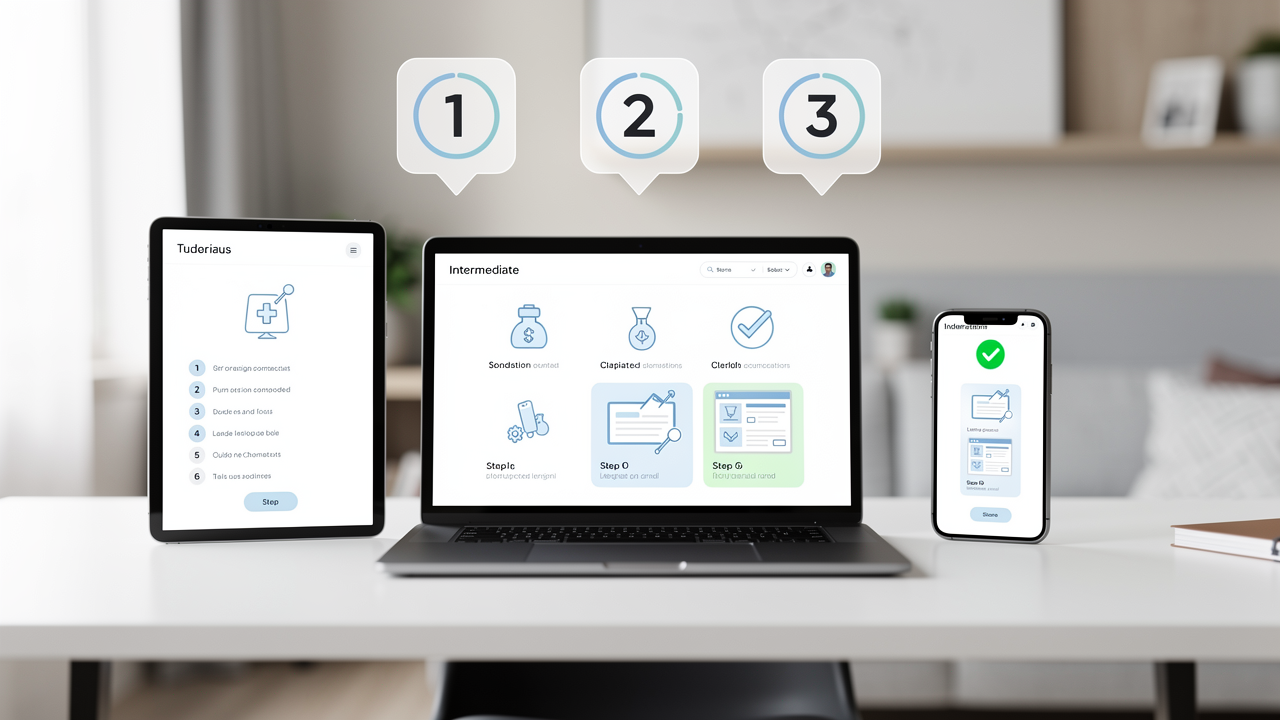
Step by step
- Upload the product photo or prepare the prompt.
- Choose the scene style: premium, natural, minimalist, lifestyle.
- Set the format: vertical for Reels, square for Instagram, horizontal for banners.
- Generate 3–6 variants instead of one.
- Compare realism: does the product look like the same product, not a cousin from a parallel universe?
- Refine the prompt and repeat.
Where do people most often get lost?
Mostly at the iteration stage. They get a first result that’s “almost good” and try to fix it without changing the prompt. It’s better to do the opposite: change one element at a time. For example:
- different lighting,
- different background,
- different perspective,
- fewer props.
If you create photos for a store, also test different versions for Allegro and Shopify. On marketplaces a simpler, clearer packshot often converts better, while on Instagram you can allow a more emotional framing.
How to polish the photo so it looks professional?
Generation is only half the job. The other half is refinements. That’s where Photoshop Generative Fill, Canva, and sometimes simple retouching in Adobe Express come in.
What to fix after generation?
- cropping,
- colors,
- shadows,
- background,
- small edge artifacts,
- consistency with other product photos in the store.
If the product will be used in an online store, check that it doesn’t look too “perfect.” In e‑commerce trust is built on credibility, not plastic perfection. The customer should buy serum, coffee, or a candle—not admire how AI draws weird fingers and crooked labels.
How to keep brand consistency?
Set three things:
- a fixed color palette,
- one lighting style,
- one type of background.
This helps a lot if you publish regularly. At mycliqy.com we see that brands that maintain visual consistency don’t need to reinvent content every time. They simply produce variants in the same visual language.
How to use AI photos in sales and marketing?
AI photos shouldn’t just sit in a “maybe later” folder. They make sense when they work in sales.
Where to use them?
- product page in your store,
- homepage banner,
- Meta Ads (Facebook/Instagram ads),
- Instagram post,
- TikTok graphic,
- newsletter thumbnail.
For example: a scented candle from a small Wrocław brand can have at the same time:
- a neutral packshot for the store,
- a warm lifestyle shot for social media,
- a simple seasonal banner for Black Friday.
The same works for streetwear or kitchen accessories. A thermal bottle shown “on the way to work” performs better than the product alone on an empty background if you’re selling a lifestyle, not just an object.
AI‑only or AI + real product?
The best results usually come from a hybrid approach:
- real product photo,
- AI for scene and background,
- Photoshop or Canva for finishing.
AI‑only makes sense for concepts, but if you want to sell seriously, it’s safer and more credible to stick to the real product and build a scene around it.
How to start without chaos?
If you want to test this workflow, start with one product and one format. Don’t make 20 versions at once—you’ll end up with a folder full of “final_final2_end.png”.
Simple 1‑day plan
- prepare the product photo,
- describe it in Polish in ChatGPT or Claude,
- generate 3 variants in Midjourney, DALL·E 3, or Adobe Firefly,
- polish the best one in Photoshop or Canva,
- upload to the store and socials,
- check which variant performs better.
This is exactly the process we build and simplify at mycliqy.com: less manual work, more sensible Polish content ready to sell.
Summary
If you want to create AI product photos in Polish, don’t start with the generator. Start with the product, the description, the brand style, and a concrete use case. Only then bring in the tools. In practice the most effective workflow is: real product + good prompt + AI + quick post‑production.
This approach produces photos that look natural in the Polish market, are suitable for a store, Allegro, Instagram, and ads, and don’t cost as much as a classic shoot every time you change a campaign.
Want to create effective AI product photos faster and easier? Check out mycliqy.com and use modern tools that help turn an ordinary product into a professional visualization ready to sell.

Illustration 1 for article:
Illustration 2 for article: