How to Create a Ugc Reel with Ai in 10 Minutes — Step-by-step Guide

Would you like to create engaging UGC content in just 10 minutes? With the latest AI tools, it's not only possible but also simple! Here's how to do it step by step.
Preparation: What You Need to Get Started
Choosing the Right Tools
Before you even start creating your first UGC reel, you need to equip yourself with the right tools. mycliqy UGC Studio, ElevenLabs, and Creatomate are key applications that will enable you to fully automate the process. Install these apps and get ready for a revolution in content creation.
Understanding the Basics of UGC
UGC, or User Generated Content, consists of authentic and engaging content created by users. In 2025, the Polish content marketing market grew by 18% compared to 2024, which shows how important it is to create quality content. Understanding why UGC is so crucial will help you better tailor your reels to your audience.
Step 1: Choosing a Topic and Planning Content
Identifying Your Target Audience
Before you start creating, you need to understand who your audience is. Will your reel be aimed at teenagers, or perhaps professionals? Knowing who will watch your reels will help you tailor the content appropriately.
Creating a Content Outline
Once you know who your content is for, create a plan for what you want to convey. In mycliqy UGC Studio, you can easily prepare a script that will later be transformed into a video narrative.
Step 2: Creating Video with AI
Using AI Tools for Video Generation
In this part, we will use Creatomate for automatic video generation and editing. A marketing agency in Warsaw that implemented these tools noticed a 30% increase in engagement on Instagram. This is a great example of how effective these tools can be.
Adding Visual Elements
Add graphics and special effects to make your video even more attractive. With AI Graphics at mycliqy.com, you can automatically generate unique images that will enrich your reels.
Step 3: Editing and Optimizing Content
Adjusting Length and Format
The best length for UGC is 15-30 seconds for TikTok and Reels. Use AI editing tools to adjust the length and format of your video to the specifics of the platform where you plan to publish.
Improving Sound and Image Quality
The quality of sound and image is crucial. Use ElevenLabs to create naturally sounding narration, and AI editing tools will enhance the video quality to the highest level. Make sure everything looks and sounds professional.
Step 4: Publishing and Analyzing Effectiveness
Choosing a Publishing Platform
Find the best place to publish your reels. TikTok, Instagram Reels, or YouTube Shorts—each of these platforms has its specifics and you can use them to your advantage.
Monitoring Engagement
After publication, track audience reactions and adjust your strategy. With the Analytics feature at mycliqy.com, you can monitor engagement and optimize your content strategy.
Ready to start creating amazing UGC reels with AI? Visit mycliqy.com and discover more tools that will help you succeed!

Illustration 1 for article: How to Create a Ugc Reel with Ai in 10 Minutes — Step-by-step Guide
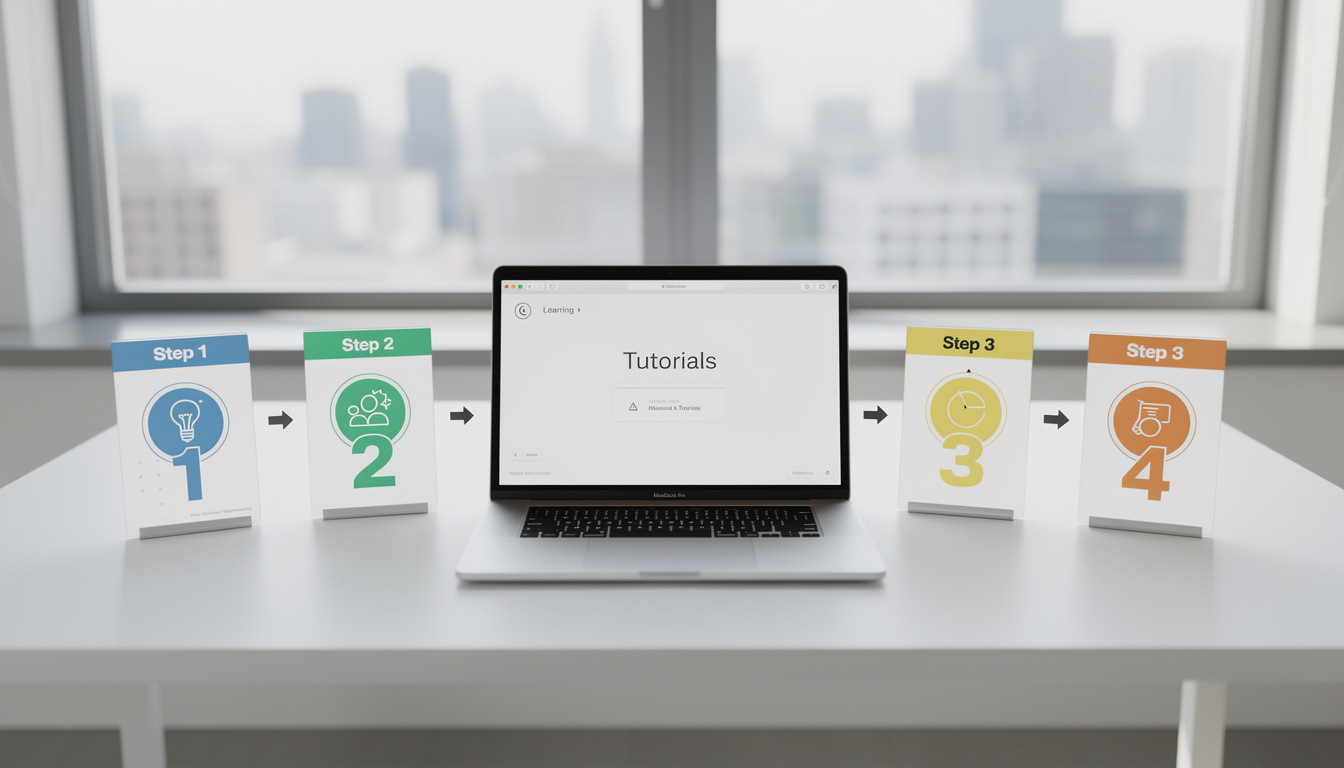
Illustration 2 for article: How to Create a Ugc Reel with Ai in 10 Minutes — Step-by-step Guide